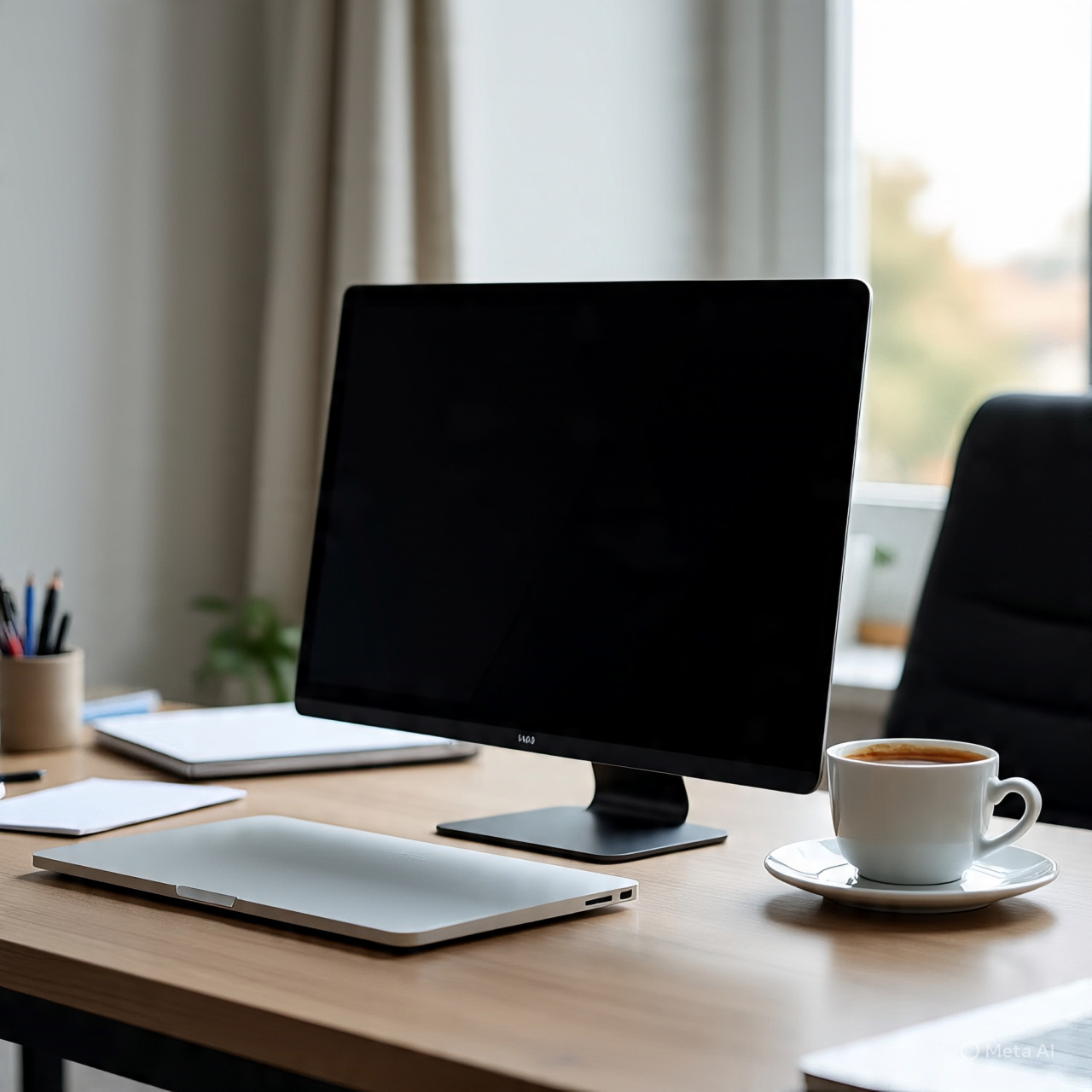
Triple Screen Laptop Extender (14″ 1080P IPS)
Introduction
A 14-inch laptop screen extender with 1080P IPS display is designed to instantly expand your laptop into a multi-screen workstation. It attaches to your laptop and creates dual or triple display setups, making multitasking easier for work, trading, coding, design, and productivity tasks.
With plug-and-play support, HDMI/USB-C connectivity, and a foldable portable design, this type of monitor extender is especially useful for users who want extra screen space without carrying a full desktop setup.
—
What to Consider Before Buying
1. Display Quality (1080P IPS)
A 14-inch Full HD IPS panel delivers sharp visuals, wide viewing angles, and good color clarity, making it suitable for office work, browsing, and content creation.
2. Compatibility
Most models support Windows, Chrome OS, Android, and some Mac setups, but you must check your laptop’s USB-C or HDMI output support.
3. Plug & Play Setup
These extenders usually require no driver installation, making setup quick and beginner-friendly.
4. Portability
The screen folds with your laptop, making it easy to carry in a bag—ideal for remote workers and travelers.
5. Multi-Screen Modes
You can switch between:
Extended mode (separate screens)
Mirror mode (same display)
Portrait mode (vertical use)
—
Product Summary
Feature Details
Screen Size 14 Inch
Resolution 1920×1080 (Full HD)
Panel Type IPS
Setup Plug & Play
Connection USB-C / HDMI
Compatibility Windows, Chrome, Android
Use Case Productivity, multitasking, travel
This portable laptop monitor extender is built to increase workflow efficiency by giving you multiple screens on one device.
—
Pros & Cons
Pros
Expands laptop into dual/triple screens
Improves multitasking productivity
Full HD IPS display with clear visuals
Easy plug-and-play setup
Lightweight and travel-friendly
Works for office, study, and remote work
Cons
Requires compatible laptop ports (USB-C/HDMI)
Can increase laptop power consumption
Not as color-accurate as professional monitors
—
Who It’s Best For
Remote Workers
Great for managing emails, spreadsheets, and meetings at the same time.
Students
Useful for studying, notes, and online classes simultaneously.
Programmers & Traders
Helps track multiple windows and dashboards efficiently.
Travelers
Compact design makes it ideal for mobile productivity setups.
—
Real Use Insight
Users often prefer laptop screen extenders because they remove the need for bulky external monitors. Reviews highlight that 14-inch 1080P models offer a balanced size—large enough for productivity but still portable enough for travel setups.
—
FAQs
Does it work with all laptops?
It works with most laptops that support USB-C display output or HDMI.
Is installation required?
No, it is typically plug-and-play with no drivers needed.
Can it be used for gaming?
Yes, but it is mainly designed for productivity rather than high-end gaming.
Is it portable?
Yes, it folds with your laptop and is easy to carry.
—
Final Recommendation
If you want to increase productivity without carrying extra monitors, a 14-inch 1080P IPS laptop screen extender with triple display support is a strong choice. With plug-and-play setup, wide compatibility, and portable design, it significantly improves multitasking for work, study, and travel use.
Reviews
There are no reviews yet.