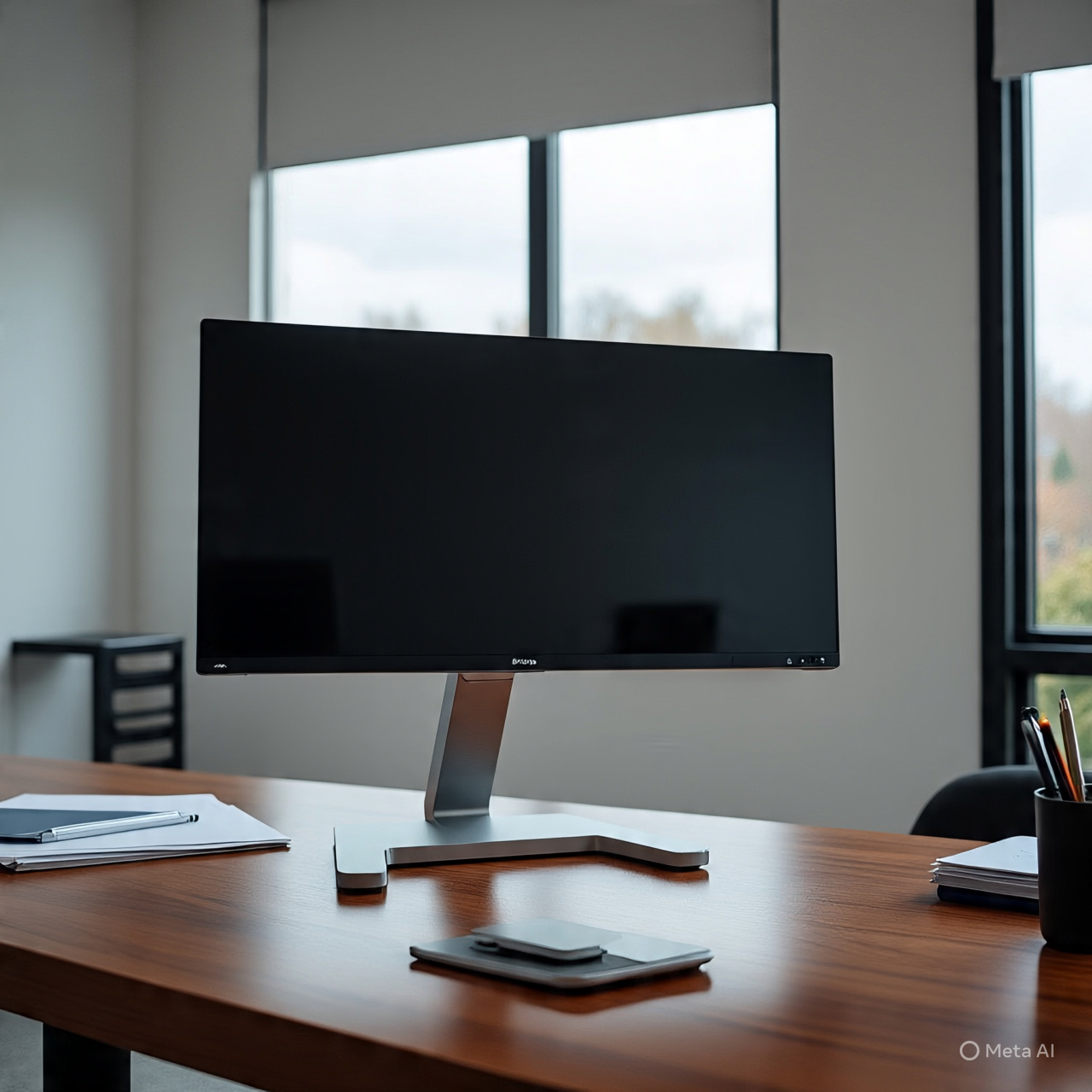
FlexiSpot Single Monitor Arm Guide (Up to 35″, 26.46 lbs)
Introduction
The FlexiSpot Single Monitor Arm (Premium Aluminum) is designed for users who want a clean, ergonomic desk setup with strong support for larger monitors up to 35 inches and around 26.46 lbs (6.6–12 kg range depending on model). It uses a gas spring mechanism, which allows smooth height adjustment, rotation, tilt, and extension for better posture and desk space management.
It’s mainly used for home office, gaming setups, editing work, and ultrawide productivity screens.
—
Best Overall Option
FlexiSpot Single Monitor Arm (Gas Spring Model)
This is the most balanced choice if you want:
Strong aluminum build
Smooth gas spring movement
Clamp + grommet mounting options
Full ergonomic adjustability
Clean cable management
It’s designed to support 17″–35″ monitors depending on version, with VESA 75×75 and 100×100 compatibility.
—
Premium Alternative
Ergotron LX Single Monitor Arm
Best for:
Maximum stability
Ultra-smooth motion control
Long-term durability (office-grade)
Heavy daily adjustments
This is often considered the “gold standard” for monitor arms in professional setups.
—
Budget Heavy-Duty Option
VIVO Gas Spring Monitor Arm
Best for:
Lower price
Decent stability for ultrawide monitors
Simple installation
Good if you want functionality over premium feel.
—
Product Comparison Table
Feature FlexiSpot Single Arm Ergotron LX VIVO Gas Spring
Screen Size Up to 35″ Up to 34–40″ Up to 32–35″
Weight Capacity ~6.6–26.4 lbs ~25 lbs ~17–26 lbs
Material Aluminum + steel Premium aluminum Steel/aluminum mix
Motion Gas spring smooth Ultra smooth premium Smooth standard
Best For Value + performance Premium users Budget users
—
What to Consider Before Buying
🔹 Weight is more important than size
Even if a monitor is 35 inches, the real limit is weight + VESA balance. Ultrawide curved monitors can stress arms more due to uneven weight distribution.
🔹 Desk thickness matters
Clamp mounts usually require:
Strong MDF or solid wood desk
Enough rear edge space
No hollow weak particle board
🔹 Ultrawide monitors need fine tuning
Large curved displays may need:
Strong tension adjustment
Proper gas spring calibration
Occasional tightening after setup
—
Pros & Cons
✅ Pros
Frees up desk space
Improves posture and ergonomics
Smooth height and angle adjustment
Supports ultrawide gaming setups
Clean cable management
❌ Cons
Installation takes time
Cheap desks may flex under load
Heavy ultrawide screens need careful balancing
Gas spring may need adjustment over time
—
Who It’s Best For
Ultrawide gamers (34″–49″)
Office professionals
Video editors / designers
Clean desk setup lovers
Standing desk users
—
Final Recommendation
If you want a strong, reliable monitor arm for ultrawide setups without going ultra-expensive, the FlexiSpot Single Monitor Arm is the best value choice.
If you want maximum stability and zero wobble for heavy premium monitors, go for Ergotron LX.
If you want basic support at lower cost, choose VIVO.


Reviews
There are no reviews yet.