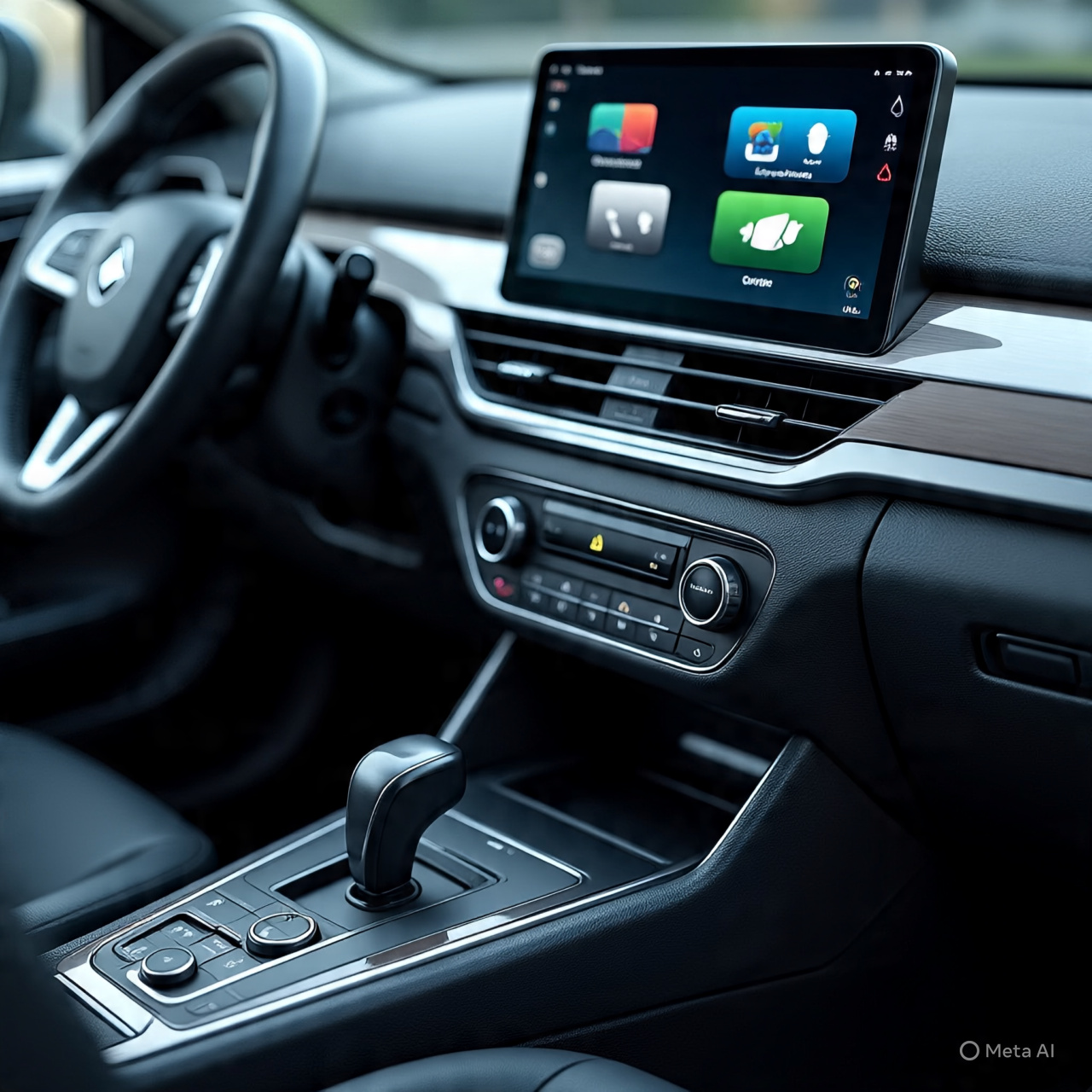
Wireless CarPlay Adapter Guide (Amzfeel Mini Edition – Brushed Cobalt Blue)
Introduction
The Amzfeel Wireless CarPlay Adapter (Mini Edition) is a plug-and-play device designed to convert factory wired Apple CarPlay into wireless CarPlay. It is built for iPhones running iOS 10+ and vehicles typically from 2015/2016 onward that already support wired CarPlay. The goal is simple: remove the USB cable and enable automatic wireless connection every time you start your car.
—
What to Consider Before Buying
🔹 Compatibility (Most Important Factor)
This adapter only works if your car already has wired Apple CarPlay built-in. It does not add CarPlay to non-supported vehicles.
It supports:
iPhone 6 and newer
iOS 10 or later
Cars generally from 2015/2016+ with factory wired CarPlay
—
🔹 Plug & Play Setup
Installation is designed to be very simple:
Plug into USB port
Pair iPhone once
Automatic reconnection afterward
No apps or additional software are needed, making it beginner-friendly.
—
🔹 Wireless Performance
Most versions use Bluetooth + WiFi connection to maintain CarPlay functions like navigation, calls, and music. Some upgraded chips also aim to reduce lag and improve stability during use.
However, like many similar adapters, real-world users sometimes report:
Small connection delay at startup
Occasional brief disconnects depending on vehicle system
—
🔹 Design (Mini Edition)
The ultra-mini USB design is made to stay hidden inside the car’s port. This helps:
Keep dashboard clean
Avoid cable clutter
Maintain OEM-style appearance
—
🔹 Auto Reconnect Feature
After initial pairing, the adapter typically:
Connects automatically when the car starts
Works even if the phone is in pocket or bag
This is one of the biggest convenience upgrades over wired CarPlay.
—
Product Summary
The Amzfeel Wireless CarPlay Adapter is a compact USB device that upgrades wired CarPlay systems into wireless connectivity with automatic pairing and smartphone integration.
Feature Details
Type Wireless CarPlay Adapter
Compatibility iOS 10+, Cars 2015/2016+ (wired CarPlay required)
Function Wired → Wireless CarPlay conversion
Connection Bluetooth + WiFi
Design Ultra-mini USB plug
Setup Plug & Play
—
Pros & Cons
✅ Pros
Converts wired CarPlay to wireless
Easy plug-and-play installation
Auto-connects after first setup
Small and hidden design
Keeps factory CarPlay interface unchanged
❌ Cons
Only works with cars that already support wired CarPlay
Minor lag or delay possible in some vehicles
USB port stays occupied
Compatibility varies by car model
—
Who It’s Best For
Drivers who want to remove charging cables
Users with daily CarPlay navigation usage
People who prefer a clean dashboard setup
Owners of 2015+ vehicles with wired CarPlay
Commuters and ride-share drivers
—
FAQs
❓ Does it add CarPlay to old cars?
No, it only converts existing wired CarPlay to wireless.
❓ Does it work automatically after setup?
Yes, after first pairing it reconnects automatically each time you start the car.
❓ Is there lag?
Most users experience minimal delay, but it can vary depending on car system and signal stability.
❓ Does it need an app?
No, it is fully plug-and-play with no app required.
—
Final Recommendation
The Amzfeel Wireless CarPlay Adapter is a practical upgrade for drivers who already have wired CarPlay and want a wire-free, automatic connection experience. It is best suited for everyday convenience and cleaner car interiors, but it should not be expected to improve infotainment performance beyond its original system.

Reviews
There are no reviews yet.