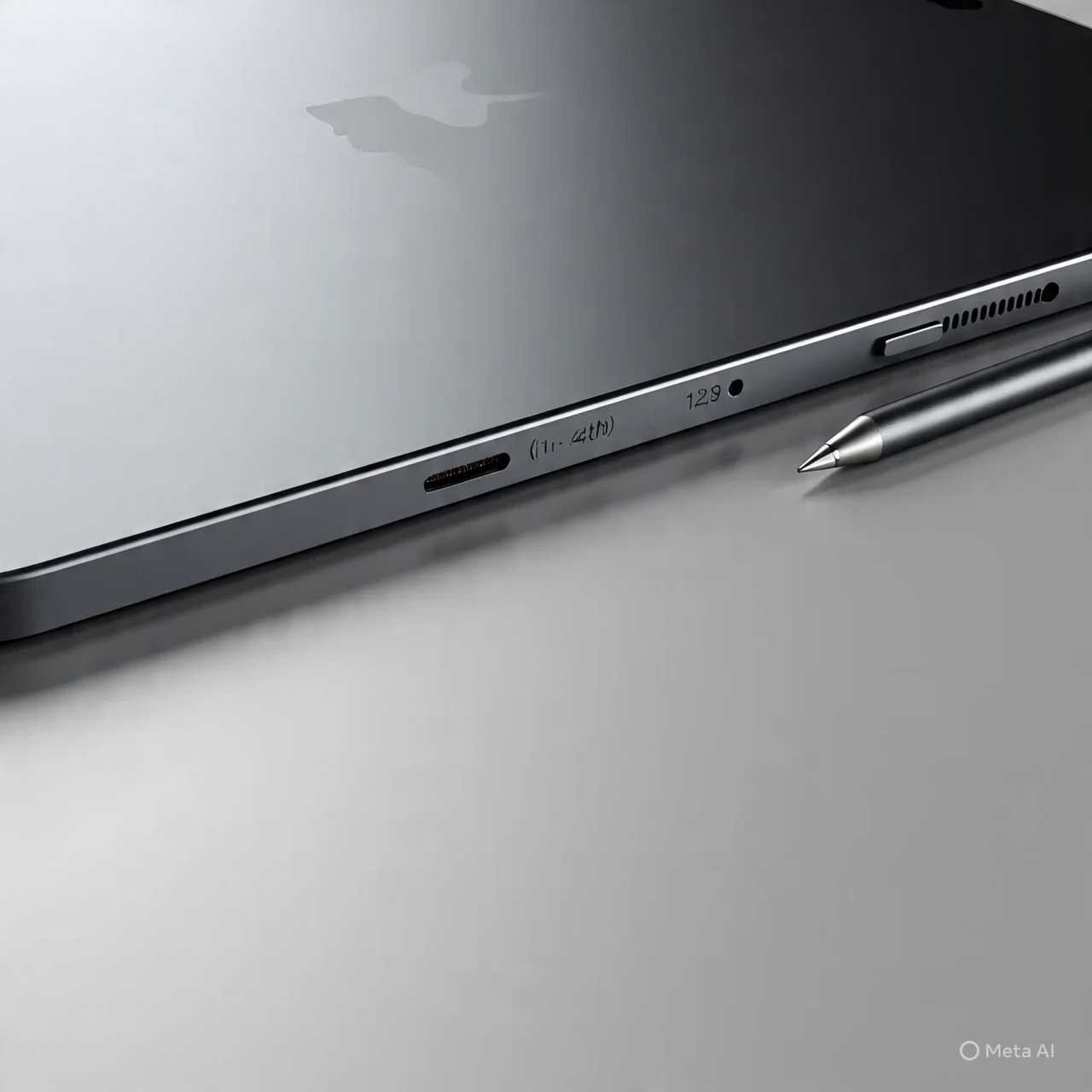
Pencil USB-C for iPad (2018–2025) – Magnetic Wireless Charging Stylus with Tilt Control & Palm Rejection
Introduction
The Pencil USB-C for iPad (2018–2025) is a versatile stylus designed for creative work, note-taking, and professional use. Featuring magnetic wireless charging, a hidden port, slide-switch functionality, tilt control, and palm rejection, this stylus provides precision and convenience for artists, students, and professionals. It is compatible with a wide range of iPad models, including iPad Pro, iPad Air, and iPad Mini.
—
Magnetic Wireless Charging
This stylus supports magnetic wireless charging, allowing you to attach it to your iPad for effortless charging. No need for cables or adapters—simply attach it to the compatible iPad edge, and it powers up automatically.
—
Hidden-Port Design & Slide Switch
The hidden USB-C port provides a discreet charging option if wireless charging is unavailable. The slide-switch functionality allows you to quickly turn the stylus on or off or switch between different modes, giving you seamless control while working.
—
Tilt Control for Precision
The stylus features tilt detection, allowing for natural shading and detailed strokes in drawing or handwriting apps. Tilt control mimics traditional pencils, making it ideal for digital artists and designers.
—
Palm Rejection Technology
With advanced palm rejection, you can rest your hand on the iPad screen while writing or drawing without causing unwanted marks. This feature ensures a natural, comfortable writing experience similar to using paper and pencil.
—
Compatibility
The Pencil USB-C is compatible with:
iPad Pro 11″ (1st–4th generation)
iPad Pro 12.9″ (3rd–6th generation)
iPad Air 4th & 5th generation
iPad Mini 6th generation
—
Ideal for Multiple Uses
This stylus is perfect for:
Digital drawing and painting
Note-taking and annotations
Graphic design work
Educational applications
General iPad navigation
—
Product Highlights
Magnetic wireless charging
Hidden USB-C charging port
Slide-switch for power and mode control
Tilt detection for shading and precision
Palm rejection for natural writing
Compatible with multiple iPad models (2018–2025)
—
Pros
Convenient magnetic charging
Accurate tilt and pressure control
Palm rejection for comfortable use
Wide iPad compatibility
Lightweight and ergonomic design
—
Cons
Only works with specific iPad models listed
Does not include additional nibs for replacement
—
Who It’s Best For
Digital artists, designers, and students
Professionals needing precise annotation tools
Anyone using compatible iPad models for creative or productivity tasks


Reviews
There are no reviews yet.